
Miami's Playful Kinder Dance Classes
Here at Miami Dance Project, we feel our younger students are very special and we have created an environment for them to come express and discover themselves in a beautiful loving, nurturing and fun environment.
Kinder Dance Classes in Miami
Welcome to Miami Dance Project, the premier destination for Kinder dance classes in Miami.
Recognized as the best dance studio in Miami, we pride ourselves on offering our youngest dancers a unique and enriching environment to explore, express, and develop their passion for dance.
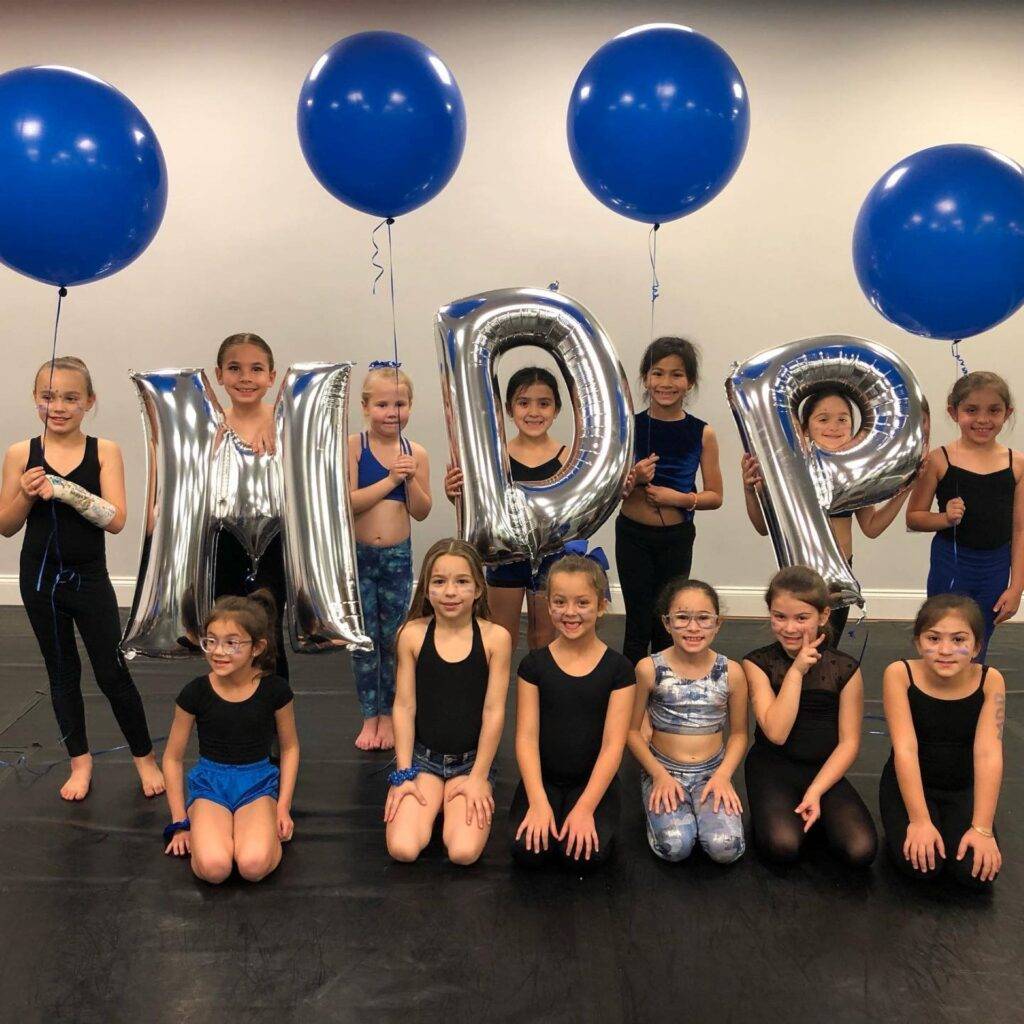
We have created a dance family with our Kinder Dance program designed for toddlers aged 2 – 6, blending the fundamentals of Pre-Ballet, Tap, and Tumble into a comprehensive learning experience.

What is Kinder Dance?
Kinder Dance is a specialized dance program for young children, typically between 3 and 6.
It introduces them to the fundamentals of dance in a fun and engaging way, blending movement, music, and imaginative play to foster physical and cognitive development.
At Miami Dance Project, our Kinder Dance classes for kids in Miami focus on helping children develop basic dance skills, coordination, rhythm, and flexibility. These dance classes for kids in Miami are tailored to be age-appropriate and enjoyable, ensuring that children learn to dance and build confidence and social skills.
In addition, they offer kids a great environment where they can thrive and discover the joy of dance.
What to Expect from Our Kinder Dance Classes
Miami Dance Project has been at the forefront of delivering exceptional dance education since 1999. As the best dance studio in Miami, our Kinder Dance program stands out for several reasons:
Expertly Crafted Curriculum
At the heart of our dance program in Miami is a curriculum meticulously designed to introduce young dancers to the world of dance through Pre-Ballet, Tap, and Tumbling.
This blend ensures a holistic approach. Each class allows students to explore rhythm and creativity while building essential motor skills and coordination. Further, our approach is tailored to spark a love for dance, encouraging students to express themselves freely while laying down a strong foundation in various dance forms.
Basic Dance Techniques
Children are introduced to basic dance techniques and movements. As they grow, this foundation helps them develop the necessary skills for more advanced dance forms.
Music and Rhythm
Understanding music and rhythm is crucial to dance. Our classes include activities that teach children to recognize and move to different beats and tempos.
Creative Movement
We emphasize creative movement to allow children to explore their ways of moving and expressing themselves. This encourages originality and confidence in their abilities.
Storytelling Through Dance
Dance can tell a story. At our Miami dance studio, we always incorporate simple narratives into our classes, helping children understand how movements can convey emotions and stories.


Professional and Passionate Instructors
What truly sets the Miami Dance Project apart are our instructors. Each faculty member brings expertise and a genuine passion for dance and teaching. They are skilled dancers, choreographers, and compassionate mentors who strive to create a positive and stimulating environment. Their dedication goes beyond teaching dance steps; they are committed to inspiring each child, recognizing their potential, and guiding them to express their individuality through dance.
State-of-the-Art Facilities
Our state-of-the-art facilities reflect our commitment to providing the highest-quality dance education. Our Miami dance studio is designed to foster an optimal learning environment. It is equipped with professional-grade dance floors that reduce the risk of injury, ample space for movement and creativity, and mirrors that help students visualize and improve their technique. These facilities ensure that our young dancers have everything they need to thrive and develop their skills in a safe, comfortable setting.
Nurturing Environment
Understanding the importance of a nurturing atmosphere in the early stages of a child’s dance journey, the Miami Dance Project strongly emphasizes creating a supportive and loving environment.
A child’s first experiences in dance should be filled with joy, encouragement, and a sense of belonging. Our classes are designed to be welcoming and inclusive, fostering community among students and staff.
This approach not only aids in developing dance skills but also builds confidence, social skills, and a lifelong appreciation for the arts.


Schedule and Enrollment Information
Our Kinder Dance classes are offered on Wednesday afternoons, and we welcome children from 2 to 6 years old. While we suggest students also take kinder classes and Creative Ballet to enhance their skills further, it is not a requirement for enrollment.
Enroll at the Miami Dance Project Today!
Choosing a suitable dance class for your child is a significant decision. At Miami Dance Project, we offer more than dance lessons; we provide an opportunity for your child to be part of a nurturing, creative community. Our Kinder Dance program is the perfect introduction to dance, offering a foundation to serve your child for years.
We invite you to visit our state-of-the-art dance facility and meet our team. To schedule an appointment or learn more about our Kinder Dance classes, please call us at 305-595-1115.
Experience firsthand why Miami Dance Project is recognized as the best dance studio in Miami, and let your child embark on a magical dance journey with us.


Ready To Fly?
Register for Kinder Dance Classes today
Miami Dance Project, established in the year 2000, stands at the forefront of the dance industry, known not only for its advanced training programs and innovative choreography but also for its profound commitment to serving the community.