
Cutler Bay, FL, is a family-friendly South Miami-Dade community with a strong sense of connection, active neighborhoods, and plenty of opportunities for children and teens to learn, grow, and stay active. For families looking for a place where dancers can build confidence, improve technique, and enjoy creative movement, finding the right studio can make all the difference.
At Miami Dance Project, we welcome students from Cutler Bay and surrounding communities seeking professional instruction in ballet, jazz, hip hop, contemporary, tap, and other dance styles.
If you are searching for a Dance Studio in Cutler Bay, FL for quality training in a supportive environment, our classes are designed for all ages, experience levels, and dance goals.
Our Dance Classes in Cutler Bay
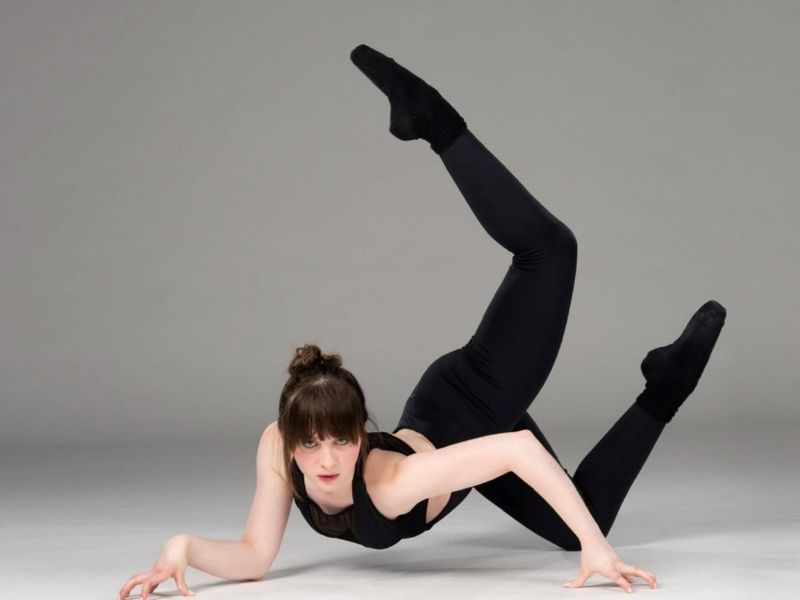
Acro
Our acro dance classes in Cutler Bay, FL, work on balance, flexibility, and controlled skill work, and every tumbling pass has to land somewhere in the music. That’s the part that takes the longest to learn.
Technique comes first here, and it isn’t up for negotiation. Anyone who’s watched someone try a back handspring without it knows why.
Ballet
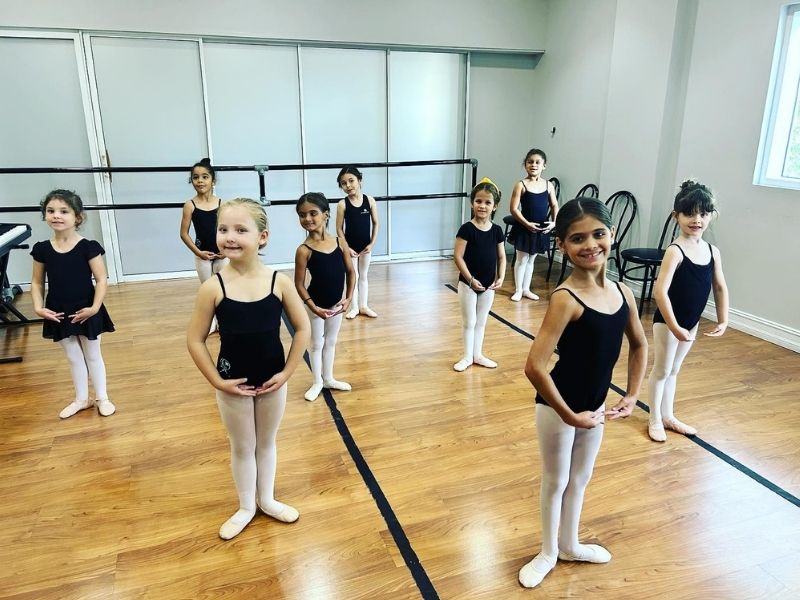
Our ballet classes in Cutler Bay, FL, work on posture, placement, and the sort of control that stays with you throughout your entire dance career. Whether you’re a beginner or you’re here for your child, if you value the basics, this is where to start.
Contemporary
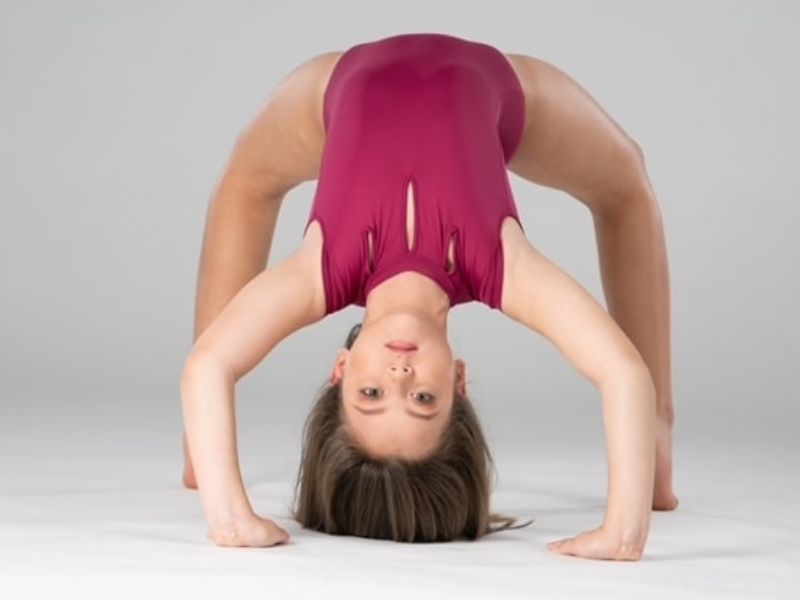
Contemporary’s for the dancer who needs more room inside the music.
Our contemporary dance classes in Cutler Bay, FL, can include floor work, improvisation, changes in level, and choreography where the dancer gets to put something of their own into it.
Jazz
Our jazz dance classes in Cutler Bay, FL, can include turns, kicks, jumps, isolations, and timing so sharp nobody drifts through it. It’s quick and performance-driven, so dancers have to commit.


Hip-Hop
Our hip hop dance classes in Cutler Bay, FL, work on rhythm, groove, musicality, and performance.
Kids burn off the energy. Teens bring their own style into the choreography. Adults get an evening that beats whatever the couch had planned.
Kinder Dance Classes
Most two-, three-, and four-year-olds are still working out how to stand in a line without turning it into a personal interpretation of chaos. That’s why our Kinder Dance classes start with music, movement, and simple activities built for the way young children actually learn.
Families searching for preschool dance classes in Cutler Bay, FL, almost always begin here. Their kids get comfortable in the studio, practice listening, and move alongside other kids without feeling like every step’s being graded.


A Cutler Bay Dance School for Different Goals
Our dance studio in Cutler Bay, FL, was founded by Barbara Delgado Acosta, who saw children get turned away from studios around Miami for many reasons, including disabilities that did nothing to stop their love for dance, so she built a studio where that wouldn’t happen.
That decision shaped what our Cutler Bay, FL, dance school has become; we help families pick based on age, experience, and what the dancer actually wants out of it.
Some come for fun. Some want technique. Some want a stage. Choosing a dance studio in Cutler Bay, FL, comes down to that more than to anything printed on a schedule.
Ready to Find Your Class?
If you’re ready to join our dance studio in Cutler Bay, FL, call us at (305) 595-1115 or register online. Classes run Monday to Friday from 3:00 to 8:30 PM and Saturdays from 9:30 AM to 4:00 PM, and we’re closed Sundays.
At Miami Dance Project, we want you to feel right at home from the start, so if you’re nervous about joining the best dance studio in Cutler Bay, FL, ask us about a sample class. We’ll be happy to help you.

FAQ's
What should I ask a dance school in Cutler Bay before enrolling?
Ask how classes are grouped, what experience they expect, and whether anyone will actually help you place your dancer.
Do you offer kids dance classes in Cutler Bay, FL?
Yes, for young beginners, school-age dancers, and students who already have a few years behind them. Grouping is by age and experience. If you’re not sure where your child fits, one phone call settles it faster than the schedule page will.
Are there dance classes for beginners?
Yes, and nobody expects a beginner to know the terminology or where to stand. The first class is about getting comfortable and working out which style feels right.
What styles can students take at Miami Dance Project?
Ballet, hip hop, jazz, contemporary, acro, and Kinder Dance for the youngest students. No tap, which is worth knowing before you enroll. Dancers who arrive wanting tap usually land in jazz and stay there.
How do I choose the best dance studio in Cutler Bay, FL?
Start with fit. The longest class list isn’t the answer, and neither is the shortest drive. What matters is the room your dancer keeps wanting to walk back into. You won’t know that in September. You’ll know it in March, when they’re still asking to go.
E-mail: barbara@miamidanceproject.com
Address:
Miami Dance Project 8940 SW 129th,Terrace Miami, FL 33176
Hours:
Monday-Friday: 9:00 – 4:00PM
Saturday: 9:30 –1:30 PM
Sunday: Closed